Load Lockbox Files
|
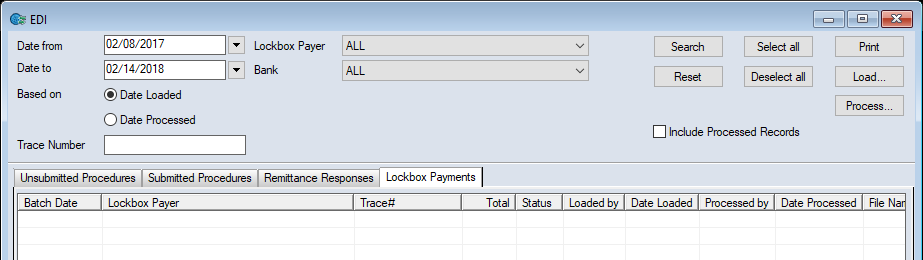
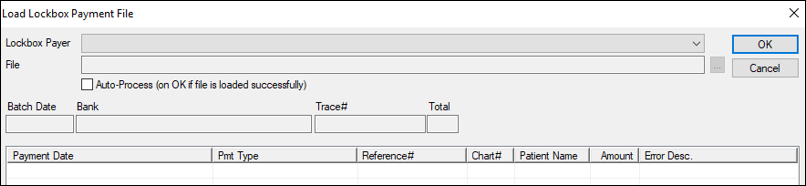
Each Lockbox file you receive from a Lockbox company must be loaded into axiUm so that users can view, report, and process the files received. To load Lockbox files:
If the Auto-Process (on OK if file is loaded successfully) checkbox was selected, the file is now loaded and processed, which adds the patient payments to axiUm. Note: The patient payments are now created in axiUm but have not been allocated. Payments can be allocated manually or as part of the overnight process to auto-allocate payments. If the Auto-Process (on OK if file is loaded successfully) checkbox was deselected, you must Process Lockbox Files Manually to add the patient payments to axiUm. |